Practical guide
automated ticketing system
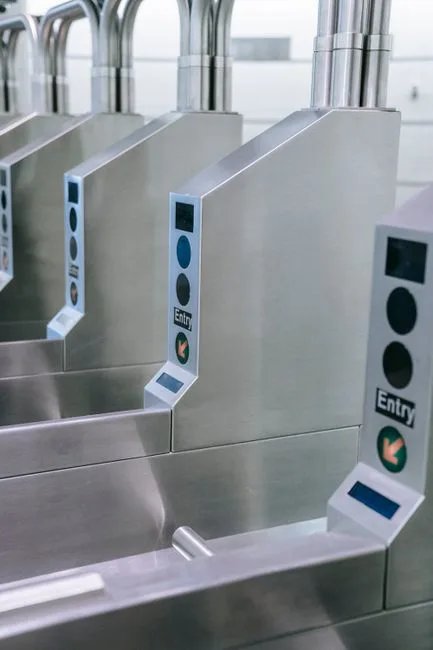
Understanding automated ticketing system
An automated ticketing system allows you to manage ticket sales for various services without needing human intervention. This system can streamline operations, reduce labor costs, and enhance customer experience. Key takeaways include the ability to monitor sales in real-time, manage inventory efficiently, and automate the ticketing process, which saves you time and effort.
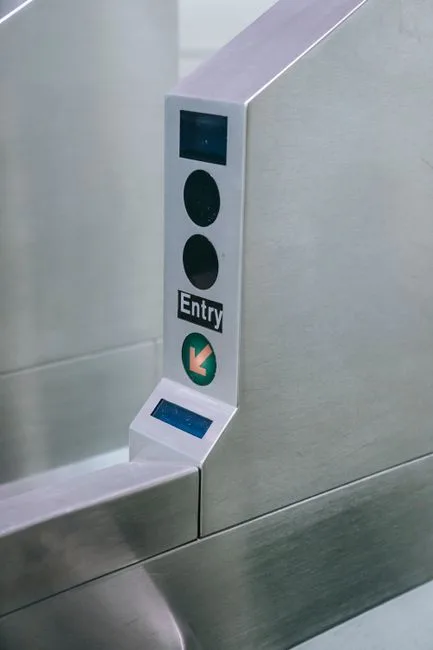
Key concepts and practical examples
IntellentSpaces.com is a Smart Saas Management Software and telemetry application for Self-Service Businesses. Our differentiator is that we provide unlimited machines management for a flat price. This powerful platform allows you to manage ticketing machines alongside other self-service operations like vending machines and car washes. For example, if you run a parking facility, the automated ticketing system can handle ticket sales, track usage, and manage payments without requiring staff on-site. This means you can monitor sales and stock levels from anywhere, ensuring your operations run smoothly.
How to put it into practice
To implement an automated ticketing system, follow these steps:
- Assess your needs: Determine the volume of ticket sales you expect and the types of services you will offer.
- Select your machines: Choose ticketing machines that fit your business model and integrate with IntellentSpaces.
- Set up your system: Use the IntellentSpaces platform to configure your ticketing options, including pricing and payment methods.
- Test the system: Run a trial to ensure everything works correctly, from ticket sales to payment processing.
- Monitor and adjust: After launching, regularly check sales data and customer feedback to make necessary adjustments.
Comparing approaches and avoiding mistakes
When choosing an automated ticketing system, consider the following:
- Cost: Look for a system that offers a flat pricing model, like IntellentSpaces, to avoid unexpected costs.
- Integration: Ensure the system integrates well with your existing operations, such as vending machines or car washes.
- Scalability: Choose a system that can grow with your business, allowing you to add more machines as needed.
Common mistakes to avoid include underestimating the importance of testing the system before full deployment and failing to monitor sales data regularly.
Common questions
One common question is how to handle technical issues with the automated ticketing system. It's essential to have a support plan in place, whether through IntellentSpaces or a third-party provider. Another question is about payment processing; ensure your system supports various payment methods to cater to all customers.
Your next step
To effectively implement an automated ticketing system, start by assessing your business needs and exploring the options available through IntellentSpaces. This will help you streamline your operations and improve customer satisfaction.