Practical guide
car wash pos system ipad
Understanding car wash pos system ipad
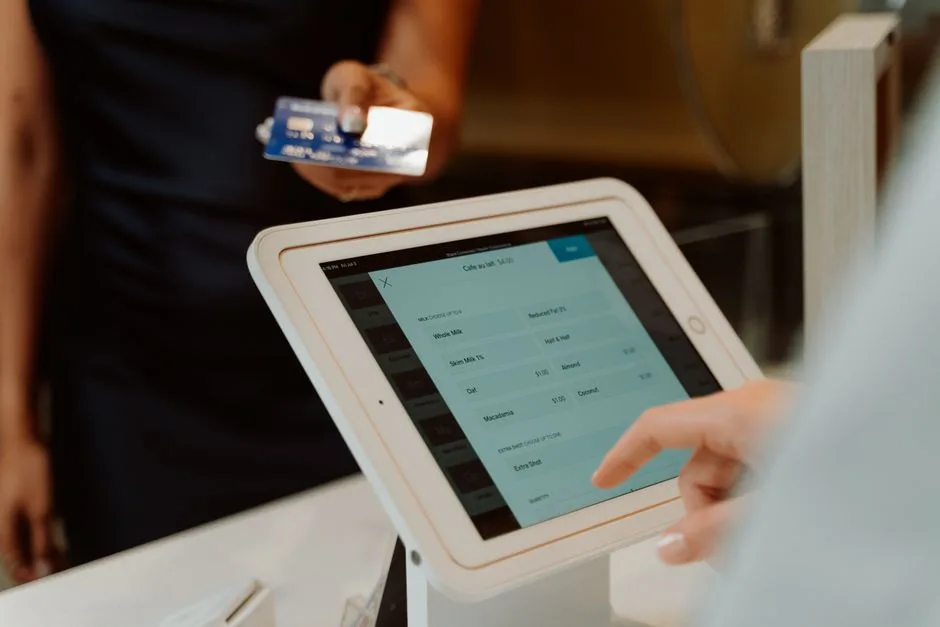
A car wash POS system on an iPad allows you to manage transactions, track sales, and monitor your car wash operations efficiently. With this system, you can handle payments, manage customer data, and access sales reports all from a portable device. Key takeaways include the ability to streamline operations, reduce wait times for customers, and enhance overall service delivery.
Key concepts and practical examples
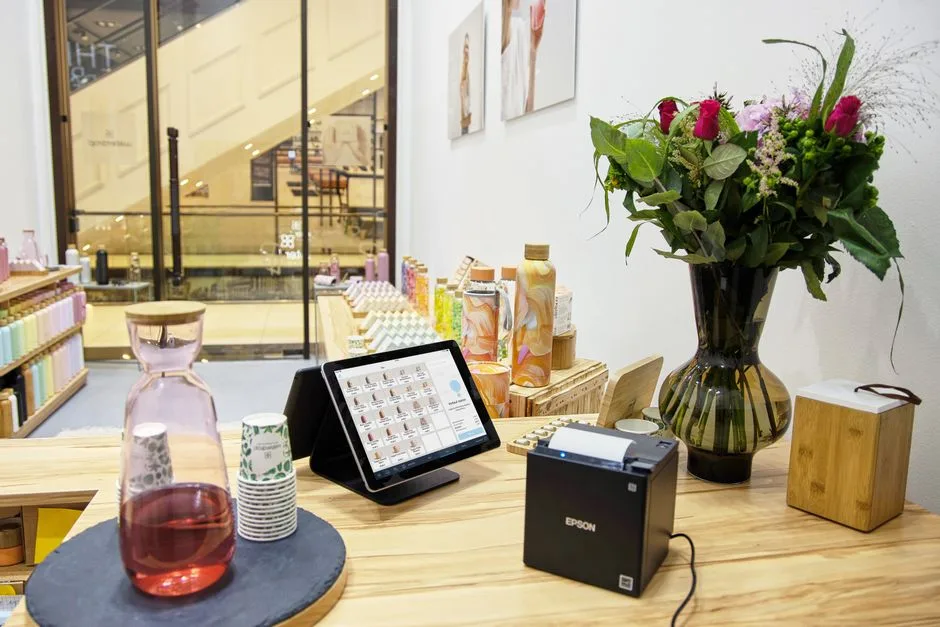
IntellentSpaces.com is a Smart Saas Management Software and telemetry application for Self-Service Businesses. Our differentiator is that we provide unlimited machines management for a flat price. This is one powerful platform for managing vending machines, laundromats, car washes, dog washes, parking, ticketing, shoe cleaning, and disinfection vending machines, and any machine that requires no human to operate and performs monetary transactions for humans. Operators can monitor, manage, and grow their business without stressing about costs — from anywhere.
For example, when using the car wash POS system on an iPad, you can quickly check sales data to see which services are most popular. If you notice that the premium wash package is selling well, you might decide to promote it further or ensure that you have enough supplies to meet demand.
How to put it into practice
To effectively use a car wash POS system on an iPad, follow these steps:
- Set up your POS system: Download the IntellentSpaces app on your iPad and create an account. Input your car wash services and pricing.
- Train your staff: Ensure that all employees know how to use the system for processing transactions and accessing reports.
- Monitor sales: Regularly check the sales reports available in the app to identify trends and adjust your offerings accordingly.
- Restock supplies: Use sales data to determine when to reorder cleaning supplies or other materials needed for your car wash.
- Customer feedback: Collect customer feedback through the POS system to improve services and address any issues promptly.
Comparing approaches and avoiding mistakes
When choosing a car wash POS system, consider the following:
- Cost: Look for a system that offers a flat pricing model, like IntellentSpaces, to avoid unexpected fees.
- Functionality: Ensure the system can handle all necessary transactions and reporting features.
- Ease of use: Choose a user-friendly interface that your staff can learn quickly.
Common mistakes to avoid include not training staff adequately on the system, failing to monitor sales data regularly, and neglecting to restock supplies based on demand.
Common questions
What features should I look for in a car wash POS system? Look for features like transaction processing, sales reporting, inventory management, and customer management capabilities.
Can I use the POS system offline? Check if the system offers offline capabilities, which can be crucial during internet outages.
How can I ensure my data is secure? Choose a POS system that offers robust security measures, including encryption and secure payment processing.
Your next step
To enhance your car wash operations with a reliable POS system, consider exploring the features of IntellentSpaces. This platform can help you manage your business efficiently and effectively.