Practical guide
custom vending
Understanding custom vending
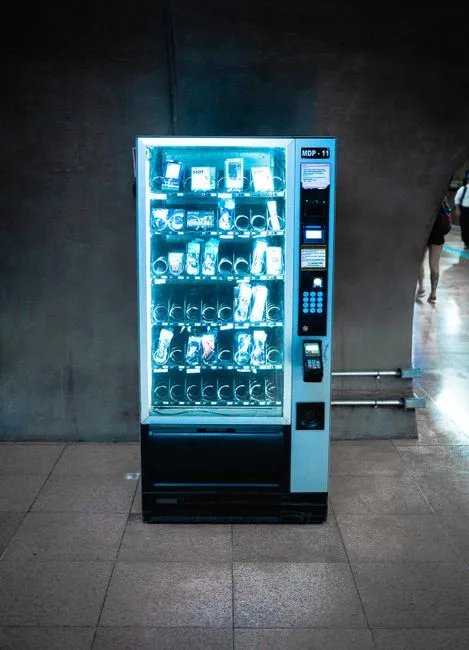
Custom vending refers to the ability to tailor vending machine offerings to meet specific customer needs. This can include selecting products, pricing, and machine locations based on local demand. With the right management software, you can easily adjust your offerings to maximize sales and customer satisfaction.
Key concepts and practical examples
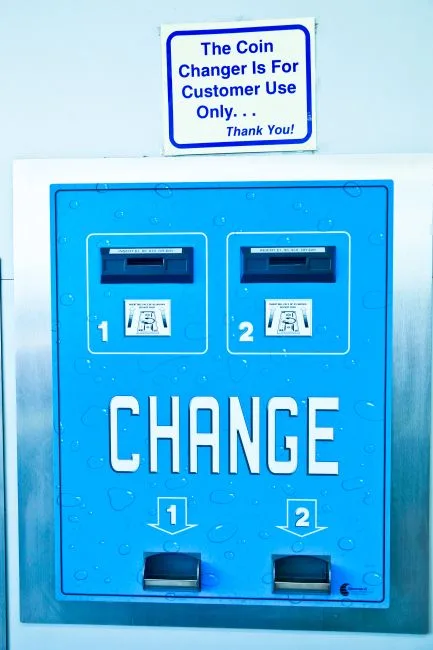
IntellentSpaces.com is a Smart Saas Management Software and telemetry application for Self-Service Businesses. Our differentiator is that we provide unlimited machines management for a flat price. This is one powerful platform for managing vending machines, laundromats, car washes, dog washes, parking, ticketing shoe cleaning and disinfection vending machines, and any machine that requires no human to operate and performs monetary transactions for humans. Operators can monitor, manage, and grow their business without stressing about costs — from anywhere.
For example, if you notice that a particular snack is selling well in one location, you can quickly restock that item and reduce the offerings of less popular products. This flexibility allows you to respond to customer preferences in real-time.
How to put it into practice
1. **Assess Your Locations**: Start by analyzing sales data from your vending machines. Identify which products are popular in specific locations.
2. **Select Products**: Based on your analysis, choose products that cater to the tastes of your customers. For instance, if a machine is located in a gym, consider stocking protein bars and energy drinks.
3. **Adjust Pricing**: Use your software to set competitive prices. Monitor sales to see if adjustments are needed.
4. **Restock Regularly**: Schedule regular restocking based on sales trends. This ensures that popular items are always available.
5. **Gather Feedback**: Encourage customers to provide feedback on product offerings. Use this information to make informed decisions about future stock.
Comparing approaches and avoiding mistakes
When customizing your vending offerings, consider the following:
- Product Variety vs. Specialization: Offering a wide variety of products can attract more customers, but specializing in popular items can increase sales per item.
- Pricing Strategies: Experiment with different pricing strategies to find what works best for your customer base. Avoid pricing too high or too low without testing.
- Location Analysis: Not all locations are the same. What works in one area may not work in another. Always analyze local preferences.
Common mistakes include failing to restock popular items, not analyzing sales data regularly, and ignoring customer feedback. Use IntellentSpaces to track sales and inventory efficiently to avoid these pitfalls.
Common questions
What types of products should I offer in my vending machines? Focus on products that cater to the demographics of your location. For example, healthy snacks in gyms and convenience items in office buildings.
How often should I restock my machines? This depends on sales volume. Monitor your sales data to determine the best restocking schedule.
Can I change my product offerings easily? Yes, with IntellentSpaces, you can quickly adjust your product offerings based on sales data and customer feedback.
Your next step
To effectively manage your custom vending operations, start by analyzing your current sales data. Use the insights to make informed decisions about product offerings and pricing. For more comprehensive management, consider exploring IntellentSpaces for your vending machine needs.