Practical guide
free vending machine inventory software
Understanding free vending machine inventory software
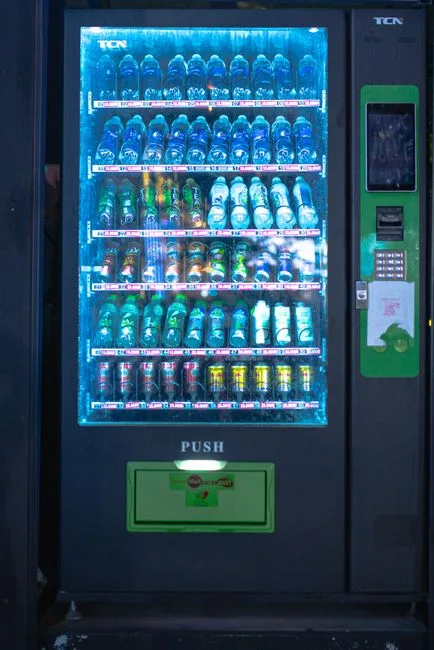
Free vending machine inventory software allows you to track stock levels, sales, and reorder supplies efficiently. This type of software is essential for operators who want to ensure their machines are always stocked and running smoothly. Key takeaways include the ability to monitor inventory in real-time, streamline restocking processes, and reduce the risk of running out of popular items.
Key concepts and practical examples
IntellentSpaces.com is a Smart Saas Management Software and telemetry application for Self-Service Businesses. Our differentiator is that we provide unlimited machines management for a flat price. This is one powerful platform for managing vending machines, laundromats, car washes, dog washes, parking, ticketing, shoe cleaning, and disinfection vending machines, and any machine that requires no human to operate and performs monetary transactions for humans. Operators can monitor, manage, and grow their business without stressing about costs — from anywhere.
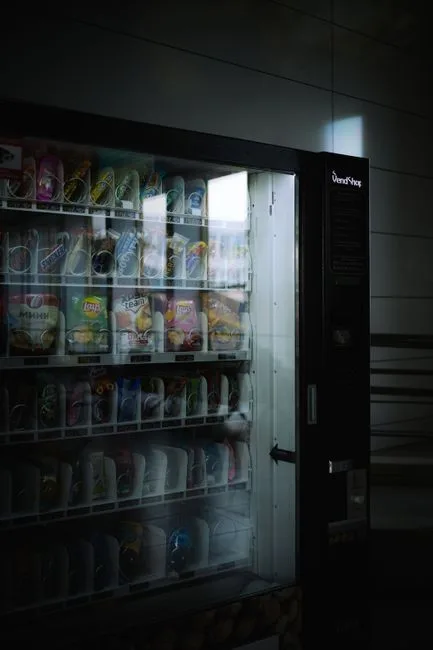
For example, if you operate several vending machines, you can use the software to track which items sell the most and when they need to be restocked. This helps you maintain optimal inventory levels and avoid lost sales due to empty machines.
How to put it into practice
To effectively use free vending machine inventory software, follow these steps:
- Set up your inventory: Input all the products you offer in your vending machines, including their prices and quantities.
- Monitor sales: Regularly check the sales data provided by the software to identify which items are selling well and which are not.
- Track stock levels: Use the software to keep an eye on stock levels. Set alerts for low stock items to ensure timely restocking.
- Reorder supplies: When stock levels drop below a certain threshold, use the software to generate reorder lists for your suppliers.
- Analyze performance: Review sales reports to understand trends and make informed decisions about product offerings and pricing.
Comparing approaches and avoiding mistakes
When choosing inventory management methods, consider the following:
- Manual tracking vs. software: Manual tracking can be time-consuming and prone to errors. Software provides real-time data and reduces the risk of mistakes.
- Frequency of checks: Decide how often you will check inventory levels. Daily checks may be necessary for high-traffic machines, while weekly checks might suffice for others.
- Common mistakes: Avoid neglecting to update stock levels after restocking, as this can lead to inaccurate data and stockouts.
Using a comparison table can help you weigh the pros and cons of different inventory management approaches:
| Method | Pros | Cons |
|---|---|---|
| Manual Tracking | Low cost, simple | Time-consuming, error-prone |
| Software | Real-time data, efficient | Initial setup cost |
Common questions
What features should I look for in free vending machine inventory software? Look for features like real-time tracking, sales analytics, and easy integration with your existing systems.
Can I use this software for multiple machines? Yes, IntellentSpaces allows you to manage unlimited machines under one platform, making it ideal for operators with multiple locations.
How often should I restock my machines? This depends on sales volume and product popularity. Use the software to analyze sales data and determine optimal restocking frequency.
Your next step
To enhance your vending machine operations and streamline inventory management, consider implementing IntellentSpaces. This software provides the tools you need to monitor and manage your machines effectively.