Practical guide
how to manage vending machines remotely
Understanding how to manage vending machines remotely
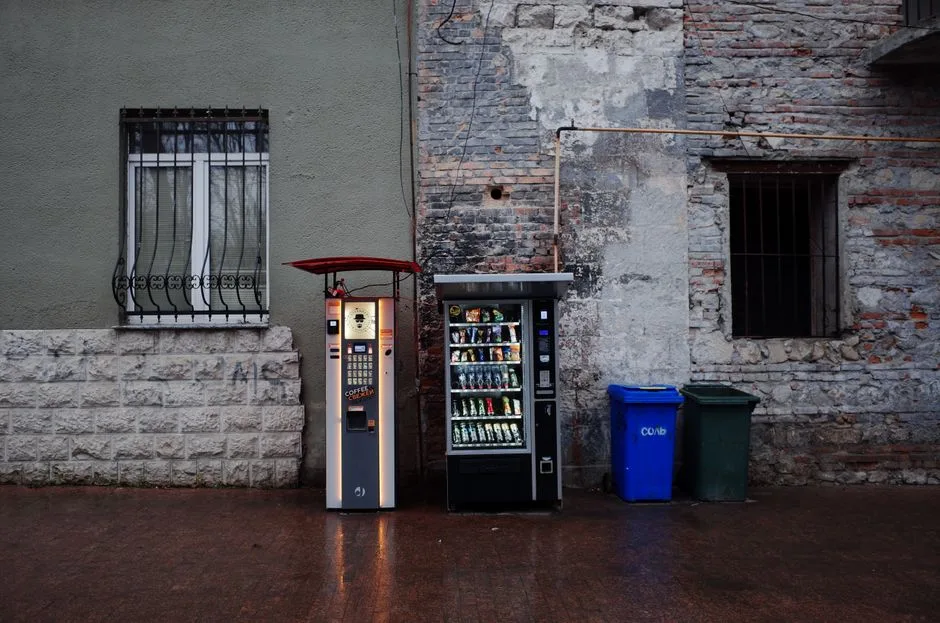
Managing vending machines remotely allows you to oversee operations without being physically present. You can monitor sales, check inventory levels, and receive alerts for maintenance needs from anywhere. This flexibility helps you respond quickly to issues and optimize your operations.
Key takeaways include:
- Monitor sales and inventory in real-time.
- Receive alerts for low stock or maintenance needs.
- Manage multiple machines from a single platform.
Key concepts and practical examples
IntellentSpaces.com is a Smart Saas Management Software and telemetry application for Self-Service Businesses. Our differentiator is that we provide unlimited machines management for a flat price. This powerful platform allows you to manage vending machines, laundromats, car washes, dog washes, parking, ticketing, shoe cleaning, and disinfection vending machines—all without needing human operation.
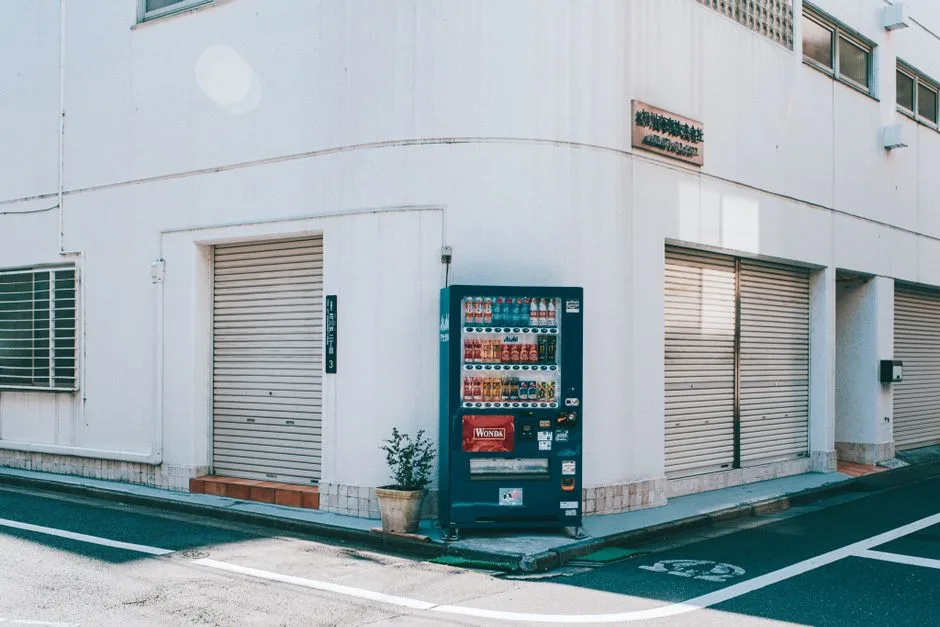
For example, if you have a vending machine that sells snacks, you can check the sales data to see which items are popular. If chips are selling faster than drinks, you can adjust your restocking strategy accordingly. This data-driven approach helps you maximize sales and minimize waste.
How to put it into practice
To manage your vending machines remotely, follow these steps:
- Set up your IntellentSpaces account: Create an account and add your machines to the platform.
- Connect your machines: Ensure each machine is equipped with the necessary telemetry devices to send data to the software.
- Monitor sales: Regularly check the sales reports to identify trends and adjust your inventory accordingly.
- Check inventory levels: Use the platform to see current stock levels. If a machine is running low on popular items, plan a restock.
- Reorder from suppliers: When stock is low, use the software to reorder items from your suppliers directly, streamlining the process.
Comparing approaches and avoiding mistakes
When managing vending machines remotely, consider the following approaches:
- Real-time monitoring vs. periodic checks: Real-time monitoring allows for immediate action, while periodic checks may lead to missed opportunities for restocking or maintenance.
- Automated alerts vs. manual checks: Automated alerts can save time and ensure you never run out of stock, while manual checks may be more labor-intensive but can provide deeper insights.
Common mistakes to avoid include:
- Neglecting to check sales data regularly, which can lead to overstocking or stockouts.
- Failing to set up alerts for low inventory, resulting in missed sales opportunities.
Common questions
How often should I check my vending machine data? It's best to check your data at least weekly to stay on top of sales trends and inventory levels.
What should I do if a machine is consistently underperforming? Analyze the sales data to identify potential issues, such as product selection or location. Adjust your strategy based on your findings.
Your next step
Start managing your vending machines remotely today by setting up your IntellentSpaces account. This will allow you to monitor sales, manage inventory, and streamline your operations effectively.