Practical guide
vending machine inventory tracking spreadsheet
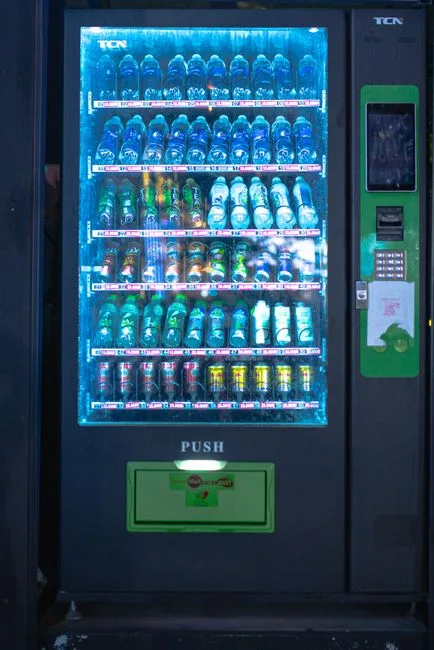
Understanding vending machine inventory tracking spreadsheet
A vending machine inventory tracking spreadsheet helps you keep track of the stock levels in your machines. It allows you to monitor what items are selling well and which ones need restocking. This tool is essential for maintaining optimal inventory levels and ensuring that your machines are always stocked with popular items.
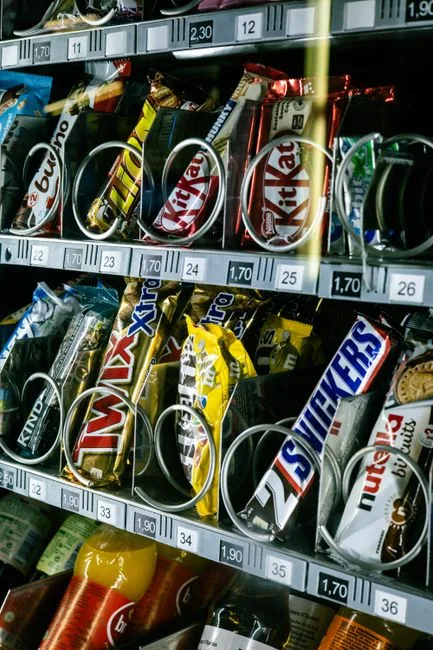
Key concepts and practical examples
Using a vending machine inventory tracking spreadsheet is straightforward. You can create columns for item names, quantities, sales data, and restock dates. For example, if you have a vending machine that sells snacks, you might track items like chips, candy bars, and drinks. Each time you check the machine, you can update the spreadsheet with the current stock levels and sales figures.
IntellentSpaces.com provides a powerful platform for managing your vending machines. With its features, you can easily monitor sales and stock levels from anywhere, ensuring you never run out of popular items.
How to put it into practice
1. Create your spreadsheet: Start by setting up a new spreadsheet. Label the columns for item name, quantity, sales, and restock date.
2. Input your current stock: Check your vending machine and enter the current quantities of each item into the spreadsheet.
3. Track sales: Regularly update the sales figures in your spreadsheet. This will help you identify which items are selling well.
4. Set restock reminders: Use the restock date column to remind yourself when to reorder items that are running low.
5. Review regularly: Check your spreadsheet weekly to ensure your stock levels are adequate and make adjustments as needed.
Comparing approaches and avoiding mistakes
When using a vending machine inventory tracking spreadsheet, consider the following:
- Manual vs. Automated Tracking: Manual tracking requires more effort but can be customized to your needs. Automated systems, like those offered by IntellentSpaces, can save time and reduce errors.
- Frequency of Updates: Decide how often you will update your spreadsheet. Daily updates may be necessary for high-traffic machines, while weekly may suffice for others.
- Common Mistakes: Avoid neglecting to update your spreadsheet regularly, as this can lead to stockouts or overstocking. Also, ensure that you accurately record sales data to make informed restocking decisions.
Common questions
What should I include in my inventory tracking spreadsheet? Include item names, quantities, sales figures, and restock dates to effectively manage your inventory.
How often should I check my vending machines? It depends on the traffic your machines receive. High-traffic locations may require daily checks, while others may only need weekly checks.
Can I automate my inventory tracking? Yes, using a management platform like IntellentSpaces can help automate tracking and provide real-time data on stock levels and sales.
Your next step
Start by creating your vending machine inventory tracking spreadsheet today. Regularly update it to maintain optimal stock levels. For a more streamlined approach, consider exploring the features of IntellentSpaces to manage your vending machines effectively.